
A useful start to the day.
Bring together the updates, deadlines and decisions that need you. Keep the source close to the summary.
Operations briefUpdates, priorities, open decisions

Lumenosis AIOS
Connect your marketing, customer follow-up and operations with AI. We build websites and CRM workflows, manage ads and create content around the tools you already use, with clear controls for the important actions.
Built around your business. Configured with you.
Your business already has the knowledge. AIOS gives that knowledge a place to work: connected to the right tools, a clear task and the next person in the loop.
Bring together the updates, deadlines and decisions that need you. Keep the source close to the summary.
Prepare replies and next steps from the conversation and what was agreed. Route sensitive work to the right person.
Turn research and customer questions into briefs, proposals and content. Keep your voice and approval rules attached.
Marketing, content, customer communication, business systems and everyday operations. We combine hands-on delivery with AI and automation, using the tools your team already has and adding the right connections where needed.
Marketing + lead generation
Campaign strategy, ad creative, landing pages and ongoing management across Meta Ads and Google Ads. Connect inquiries to your existing CRM, with clear tracking and follow-up ownership.
SEO + AI search readiness
Improve search visibility, website structure and content accessibility with Google Search Console and AI-readiness audits. Make your pages easier for tools such as ChatGPT and Claude to understand, without promising rankings or recommendations.
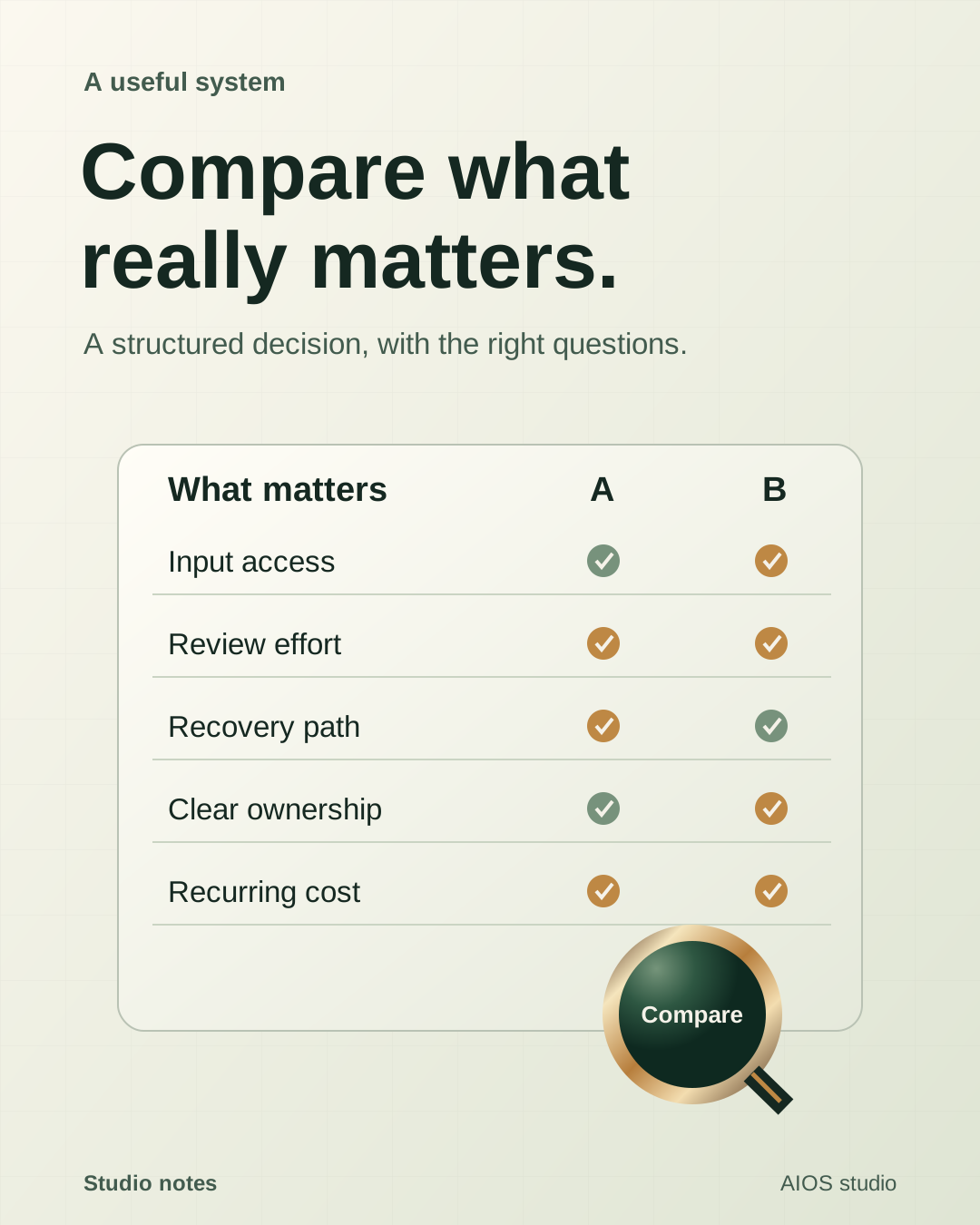
Websites + business systems
Websites, booking flows, CRM pipelines and internal dashboards using tools such as Vercel, Supabase, GoHighLevel and Google Workspace. Improve what you already use or build what is missing, with integrations tailored to your stack.
Content + creative production
Scripts, videos, consented AI UGC, carousels and social publishing for Instagram, TikTok and Facebook. Use tools such as ElevenLabs, HeyGen and Remotion alongside your existing creative tools, with review and approval before publishing.
Customer communication + follow-up
Voice receptionists, email and chat assistants, booking and customer follow-up using tools such as Vapi, Twilio, Gmail and Outlook. Connect conversations to your calendar and CRM, with consent controls and a clear human handoff.
Workflow automation + integrations
Connect your existing apps with Make.com, n8n, Composio, APIs and webhooks where supported. Automate data entry, approvals, notifications, reporting and eligible database reactivation without forcing your team onto a new tool stack.
AI assistants + knowledge systems
Build assistants for research, document processing, internal knowledge and routine tasks using OpenAI, Claude and your business data. Connect supported apps through Composio or direct integrations, with scoped access and review for sensitive actions.
Operations + ongoing support
Streamline onboarding, document workflows, team handoffs and reporting with Google Workspace, Notion, Airtable, Slack or the tools you already use. We handle setup, testing, documentation and ongoing improvements around your team's actual workflow.
Our AI content production supports two accounts, including an existing 100k-follower account. We keep account identities private.
Services, access, production ownership, approvals and measurement are scoped with you. We augment the workflow you already have rather than asking you to replace everything.
Map your first useful workflowOpen a workflow. Play the example. Watch the commands and graphics take shape, then inspect the deliverables from your phone or desktop.
A choreographed example. Commands and results are predetermined.
files.read(example_context)design.compose(example_artwork)review.check(layout, copy, bounds)artifacts.stage(graphic_collection)notifications.show(review_ready)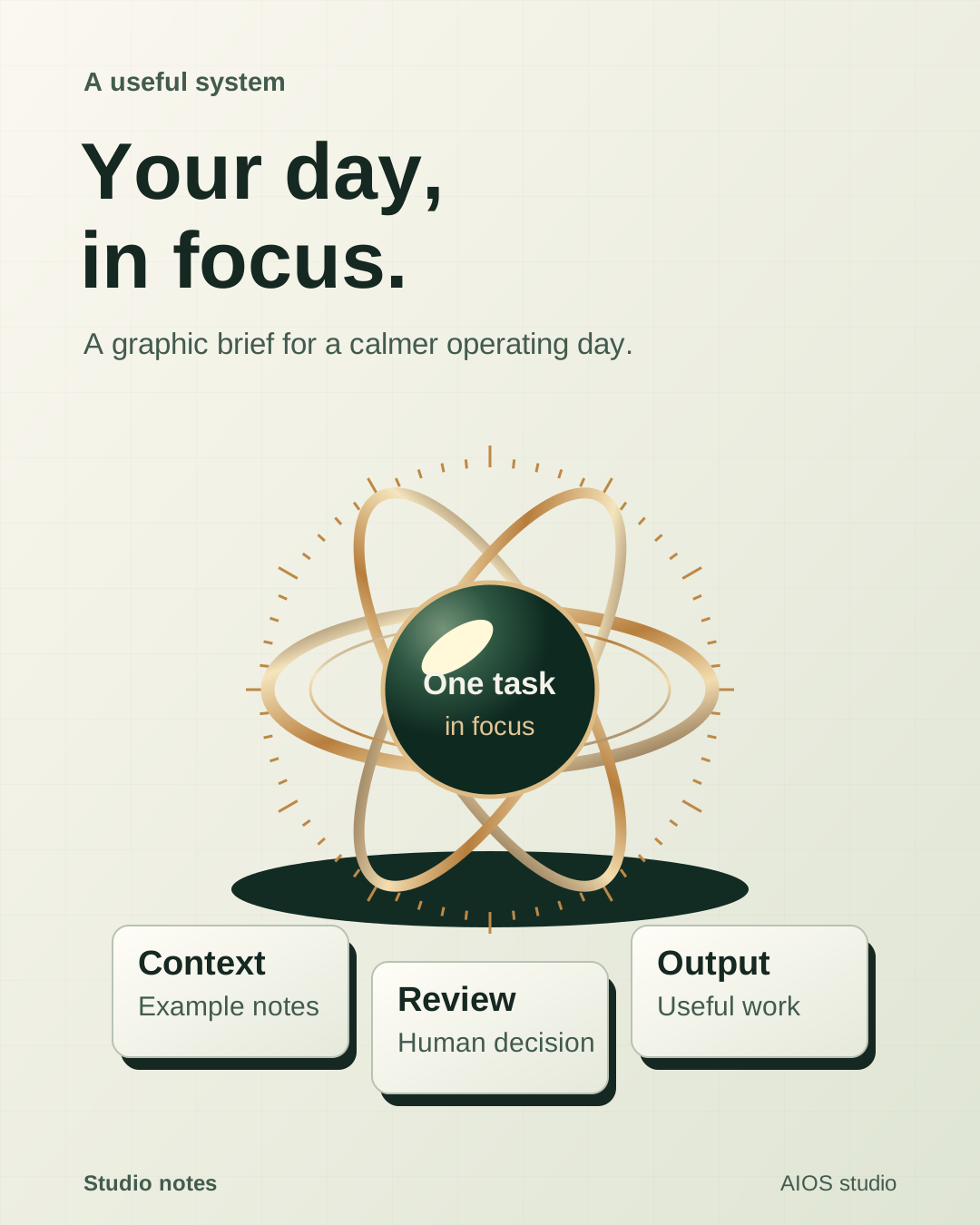
Original graphic artwork
Your operating desk
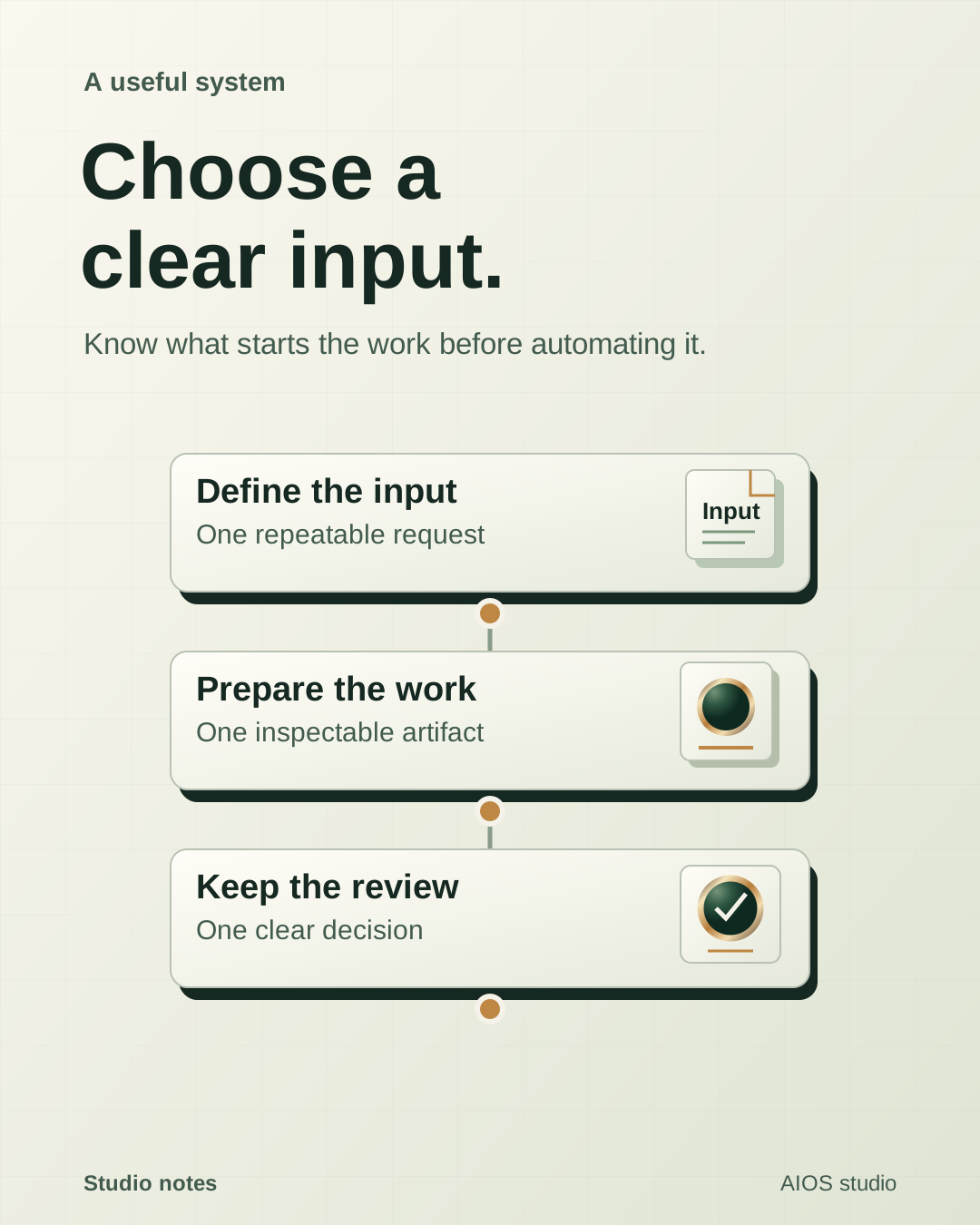
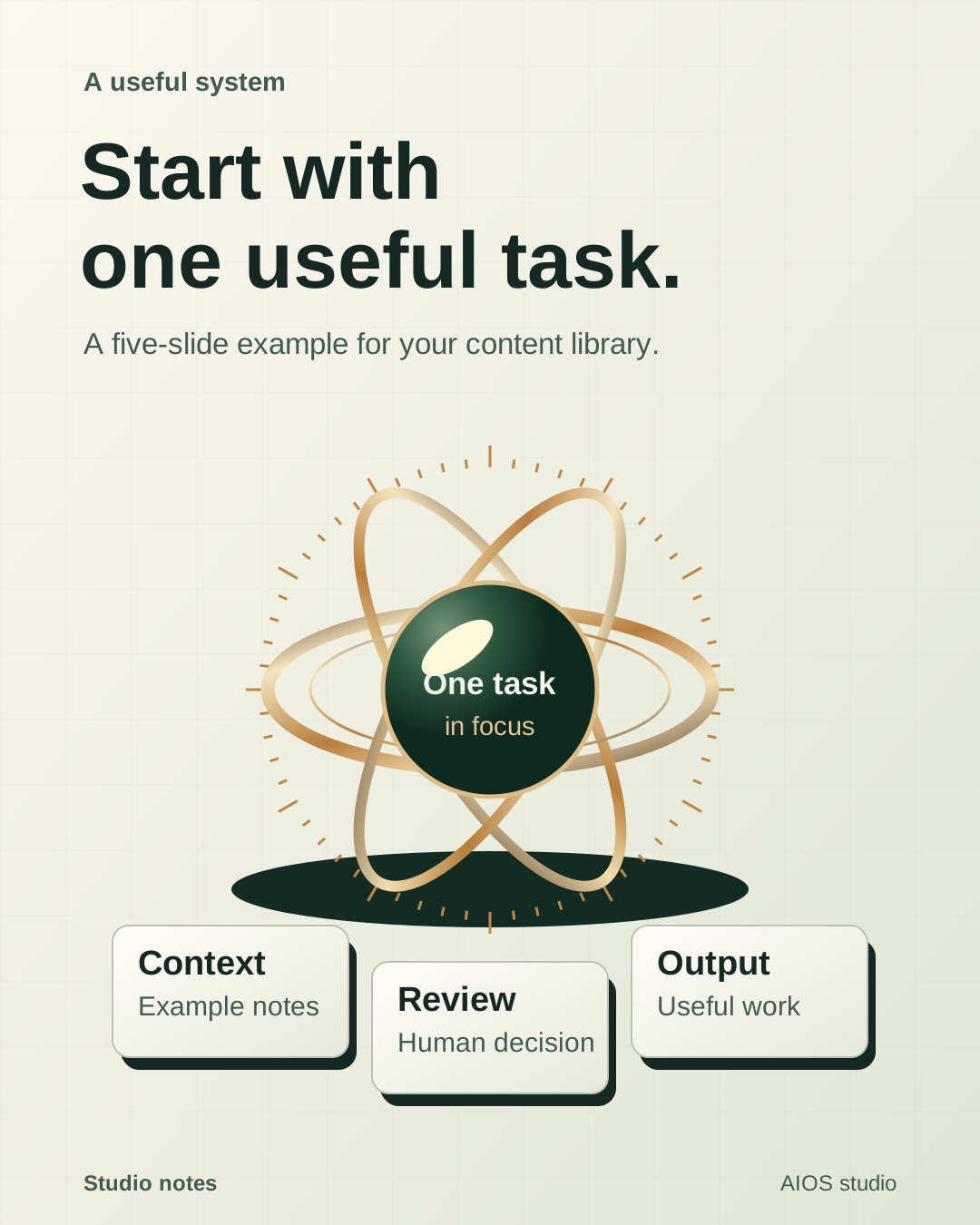
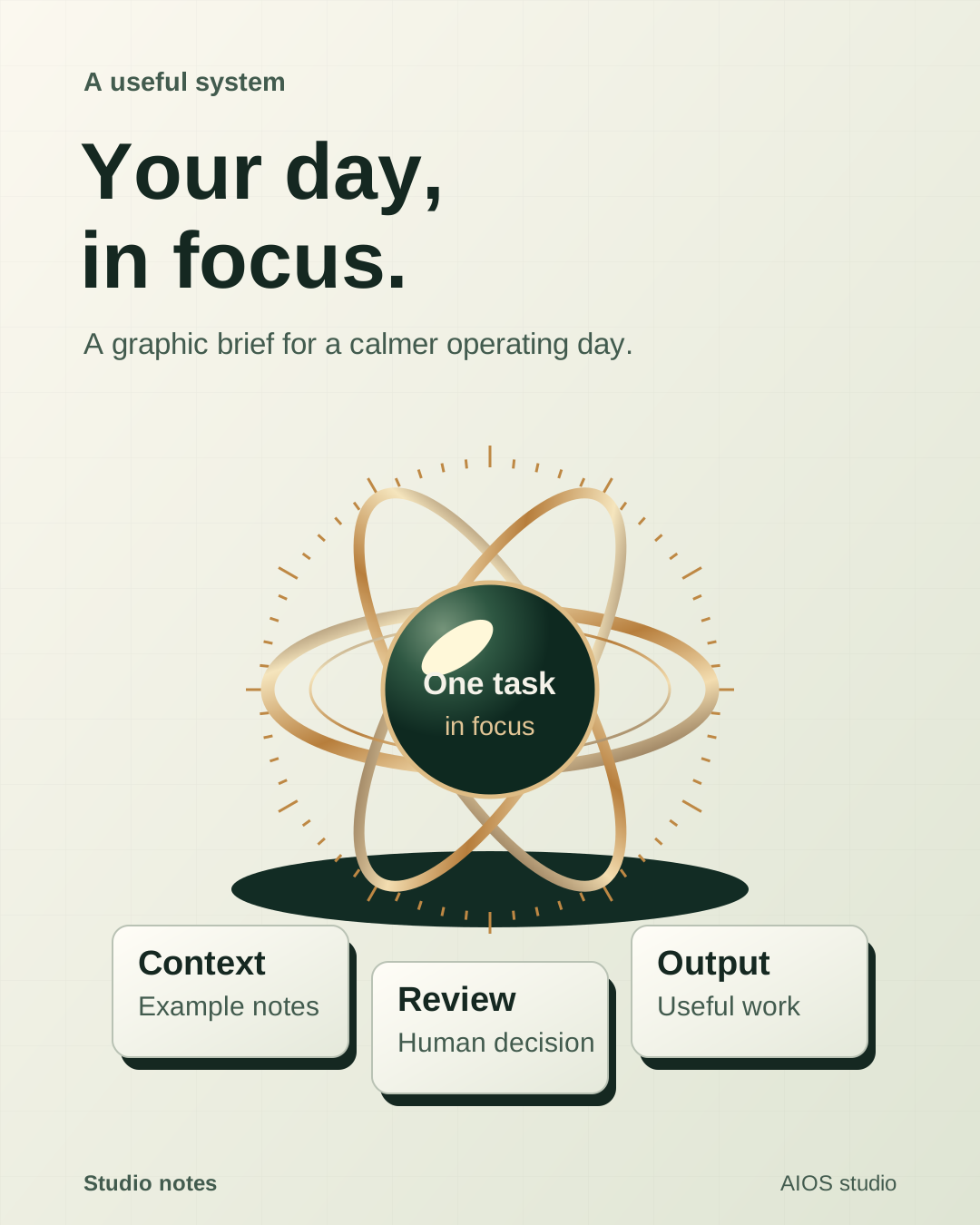
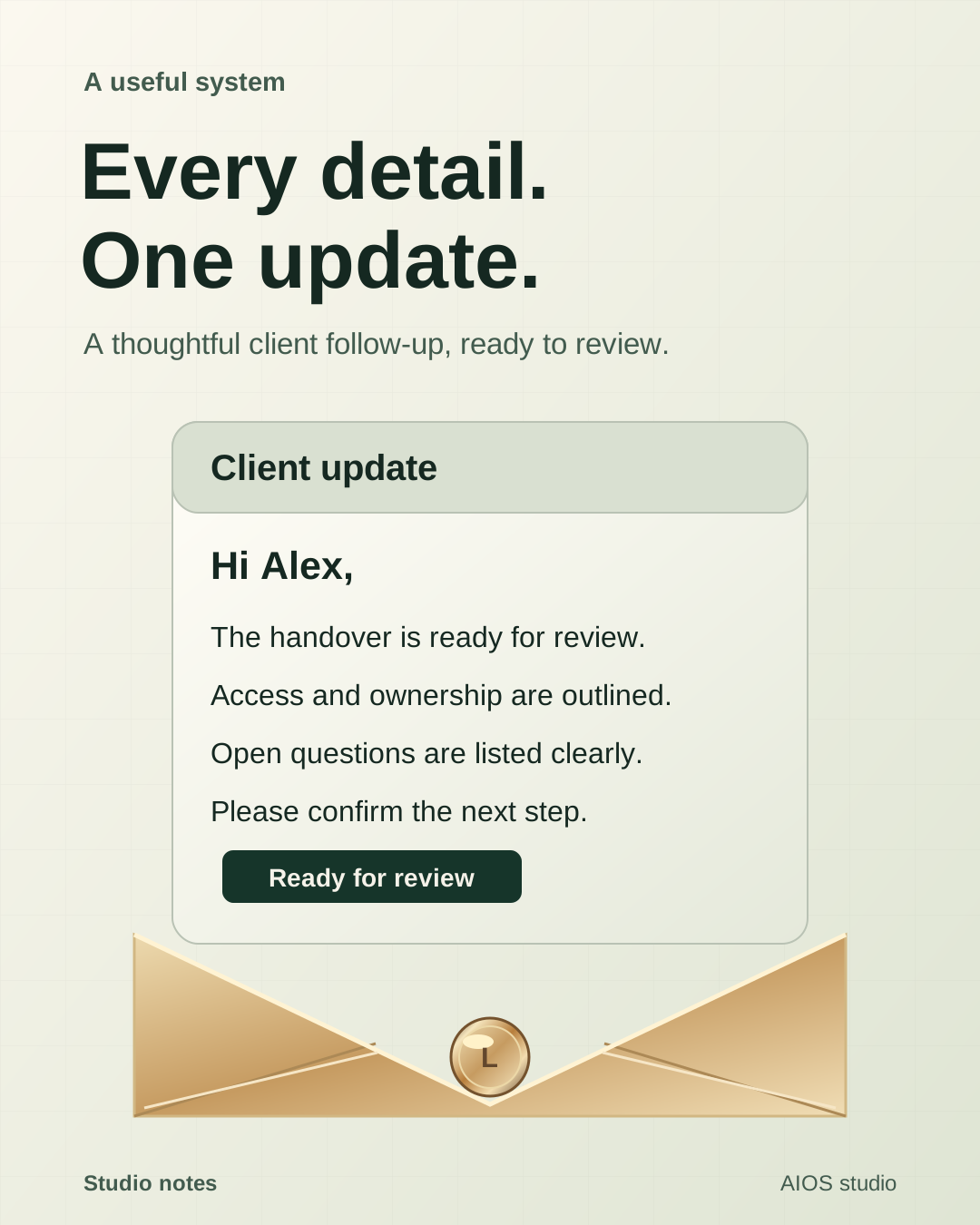
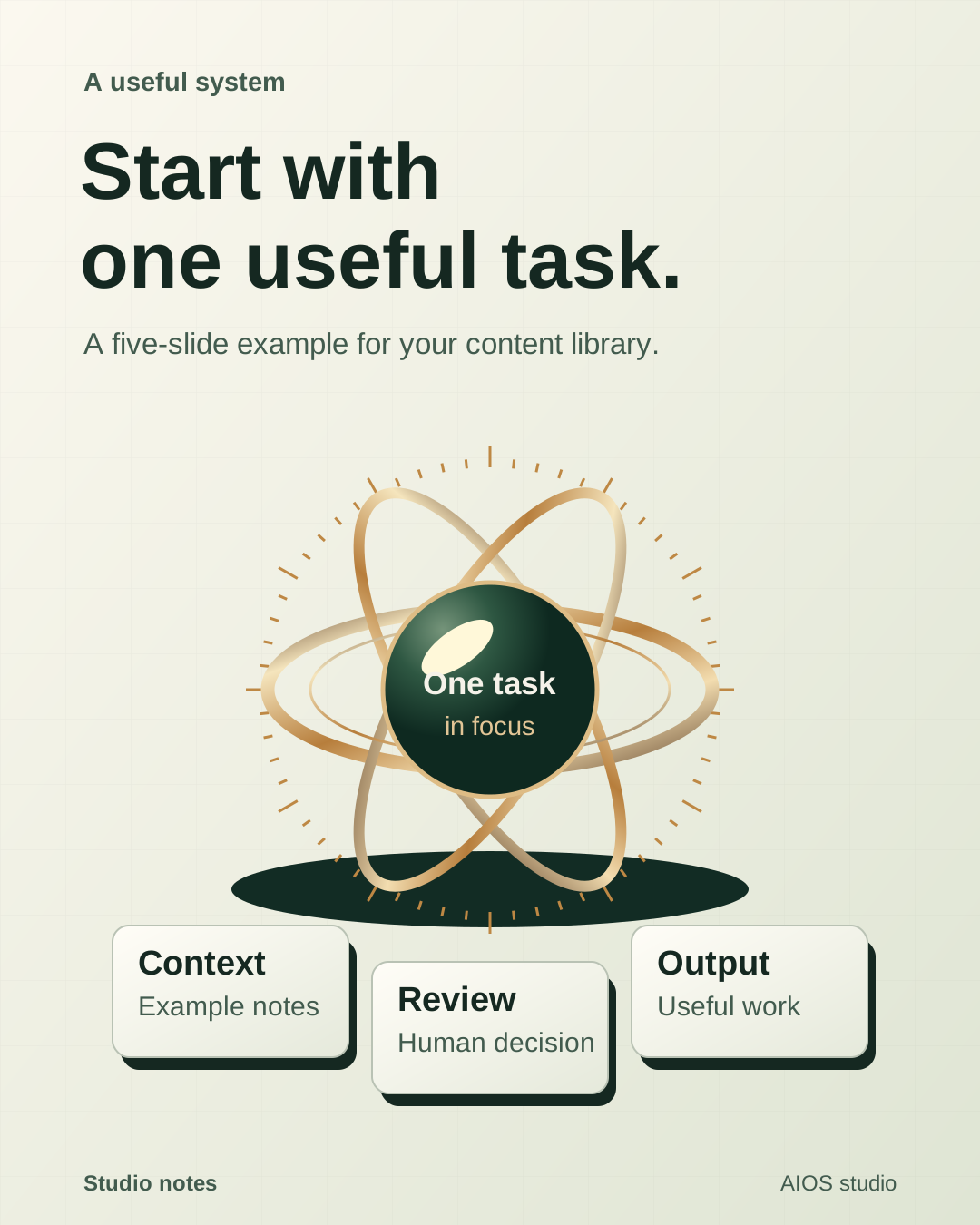
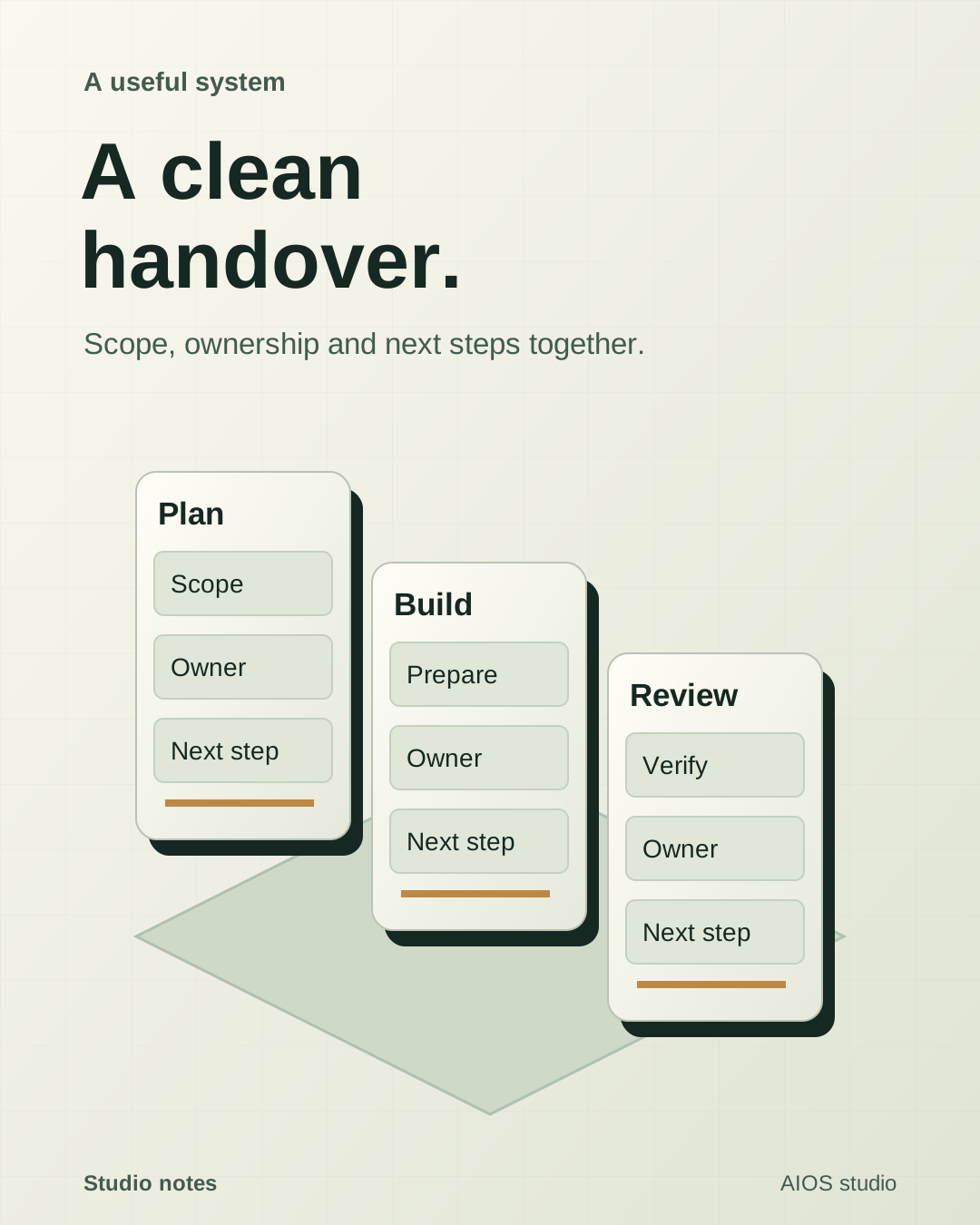
Graphic briefs, social carousels and visual plans. Play the sequence, then open the deliverable.
Your files and decisions supply the context. Your rules decide what happens next. The system should make both easy to inspect.
Walk through your setupThe documents, examples and working methods you choose.
Named connections, scoped access and an owner for each workflow.
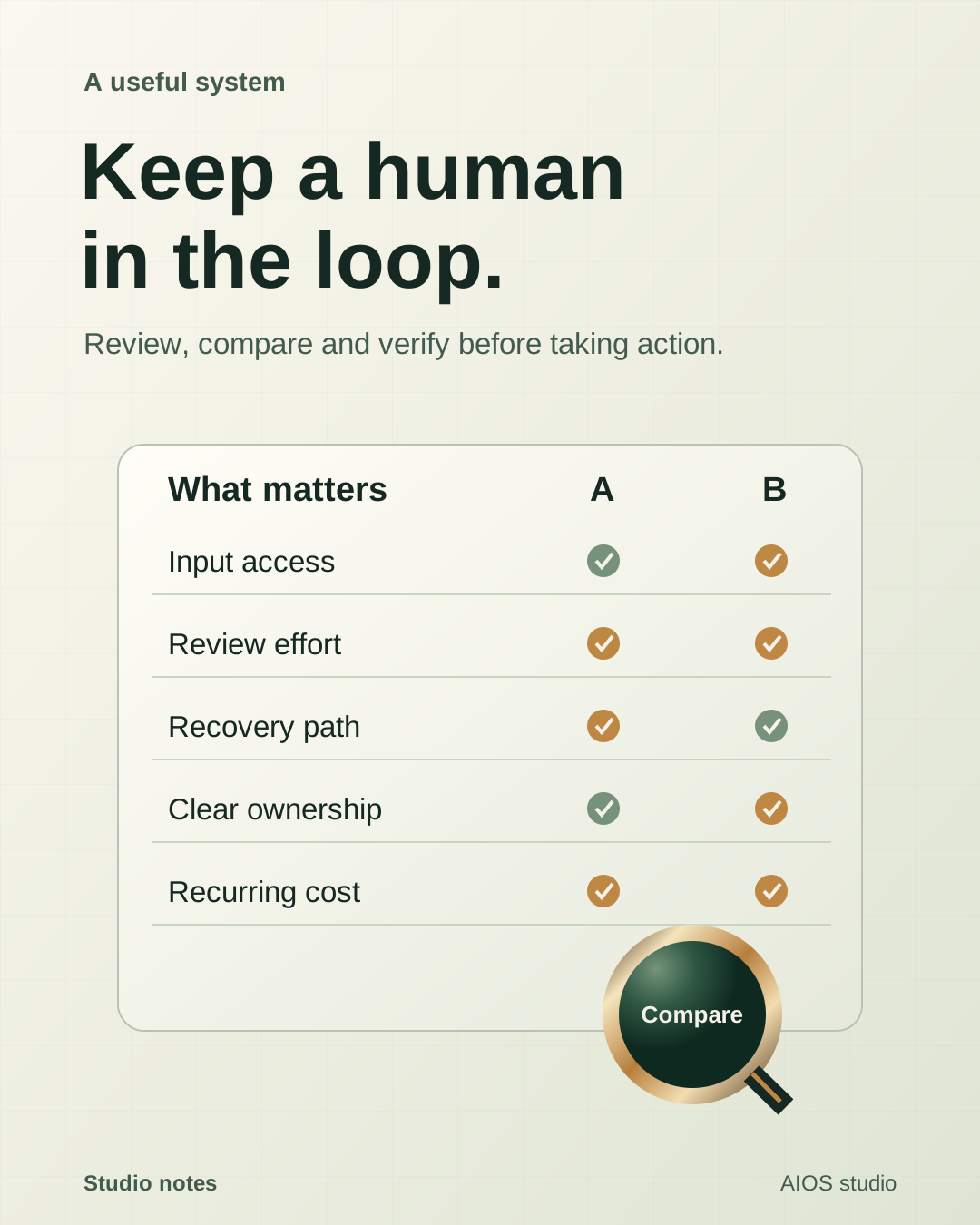
Review before important actions. Clear handoffs when a person needs to step in.
We start by understanding how your team works and where time is lost. A prioritized plan guides the first workflow we build together.
Map your workflows, find the bottlenecks and agree where AI is worth using.
Agree the workspace, tool access, review rules and where the work runs.
Use real inputs. Check the output, delivery, recovery path and controls.
This is hands-on implementation, with optional ongoing marketing, content and operations support. We scope the work, configure the workspace and approved connections, test with your real inputs and hand over clear controls. Software setup and managed services are agreed separately, so you know what we deliver and what your team owns.
We start with your current tools. During scoping, we check which connections are supported, what access is required and what should stay manual. Every integration is agreed before it becomes part of the workflow.
That is decided per workflow. Low-risk internal work can be prepared automatically. Sending, publishing, payments and changes to important records need the approval policy you agree to. Sensitive or uncertain work is handed to a person.
It can use a local workspace for hands-on work or an appropriate secured hosted runtime for scheduled tasks and webhooks. Local tasks depend on the host being available. Hosting, access, backups and recurring model costs are scoped before launch.
We begin with an AI audit and diagnostic of your workflows and tools. You get a prioritized plan showing where AI can help and what should stay manual. Together, we choose the first workflow to build, test and hand over.
Bring one task you keep repeating.
We’ll map the first useful workflow together.